Advanced CMS filtering for Framer
Search, sort, and filter any Framer CMS collection. Build directories, real estate listings, job boards, and marketplaces — no code, no workarounds.
One-time payment. Lifetime access. No subscriptions.

Where native filtering stops
Native Dynamic Filters are a useful starting point. But real CMS sites need more than a field binding.
- No multi-field search across title, tags, and description
- No facets, counts, or clear-all for applied filters
- No synchronized filter groups across desktop, sidebar, and mobile
- Limited to basic UI patterns — no range sliders, toggles, or checkboxes
- Not designed for reference fields or advanced AND/OR logic
"Native Framer filters are useful. This plugin is for everything after useful."
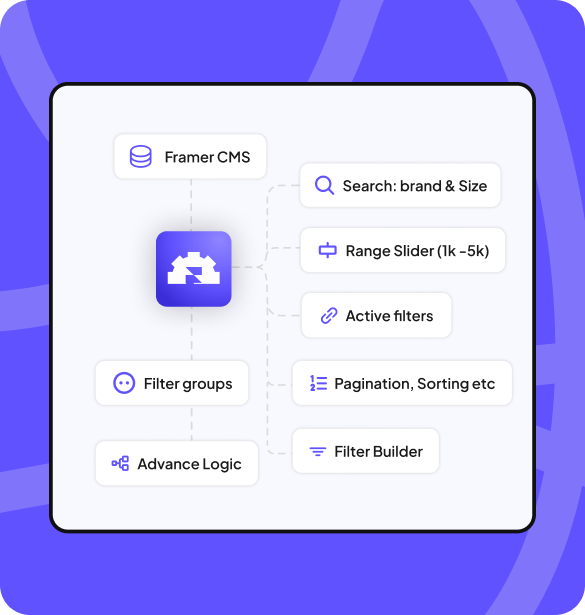
What if the client needs more than basic filtering?
A filtering system, not a filter dropdown
Not just a filter input. A coordinated system of search, sort, facets, counts, and collection behavior.
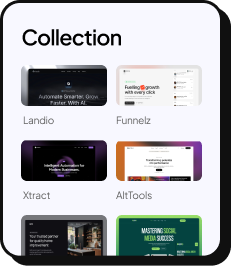
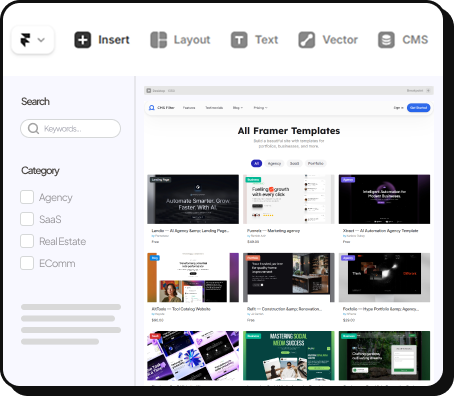
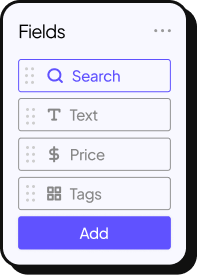
Search, sort, facets, counts, and clear-all share one filter state. Top bar, sidebar, and mobile filters stay synchronized automatically.
Dropdowns, checkboxes, range sliders, toggles, and more. Supports option fields, single references, and multi-references — real CMS models, not just simple dropdowns.
Real estate sites, job boards, resource libraries, template stores — any CMS-heavy Framer site where visitors need to find the right item fast.
Set up in 5 minutes, no code
Install the plugin. Insert components. Connect your CMS. Configure from the property panel.


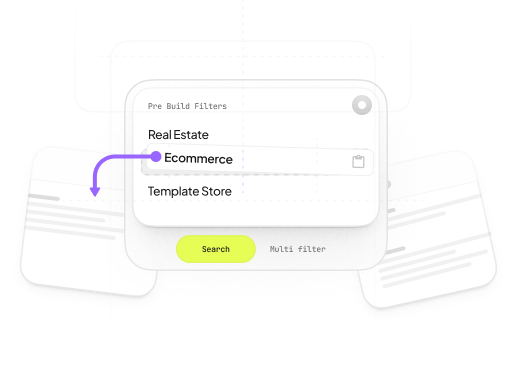
Drop and Connect
Copy components from dashboard. Paste in Framer. Connect to CMS Collection slot.
Time: 1 minute
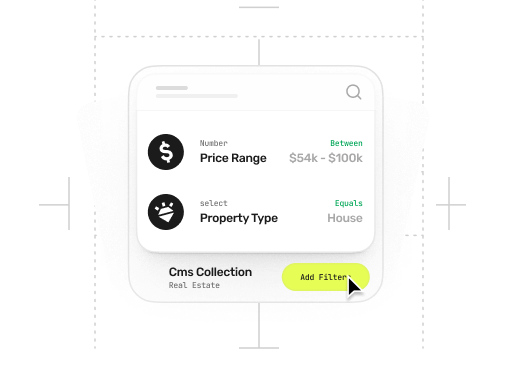
Configure
Map CMS fields to filter types—dropdowns, sliders, checkboxes, search. All in properties panel.
Time: 1 minute
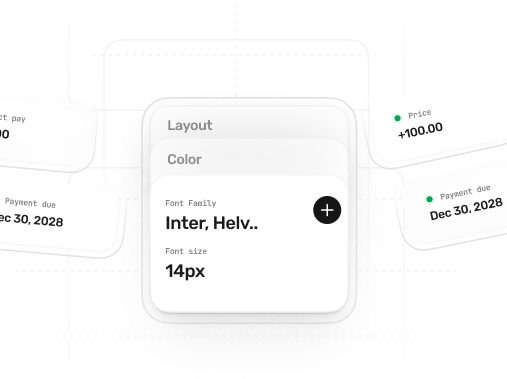
Customize
Choose filter styles. Match your brand colors and fonts. Hit preview. Done.
Time: 1 minute

Total: 5 minutes from copy to working filters

Live Framer CMS Filter Demos
See real filtering on a template store, real estate listings, and more. Remix these projects after purchase.
Template Store
Filter by category, price, features, tags. Sort by newest, price, popularity.
Try Live Demo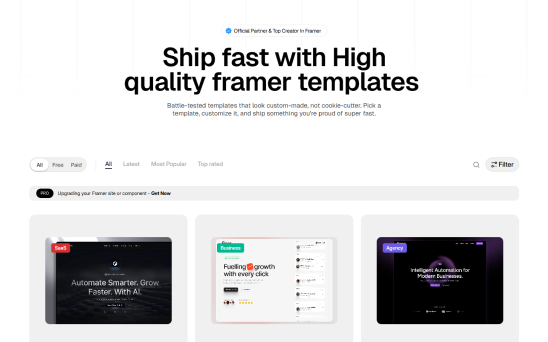
Real Estate
Filter by beds, baths, price range, location. Multi-select amenities. Range sliders.
Try Live Demo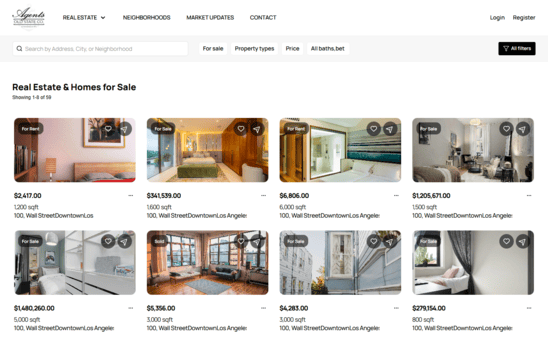
Cars
Filter by make, model, year, price range, location. Multi-select amenities. Range sliders.
Try Live Demo
Events
Browse events by category, location, date, and format. Perfect for conferences, meetups, and event directories.
Try Live Demo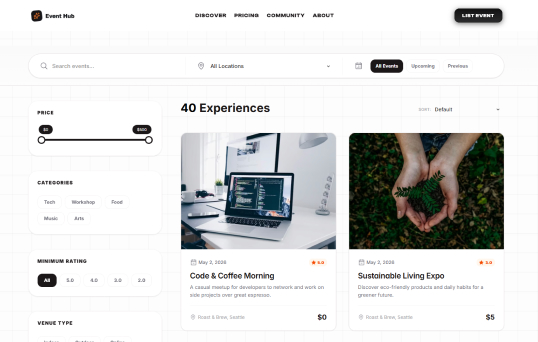
E-commerce
Filter products by size, color, brand, price. Multi-select with live count.
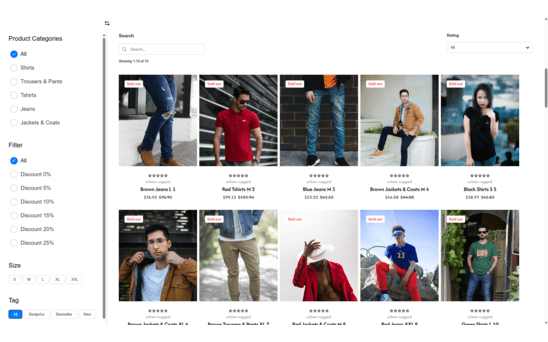
Try before you buy. All demos are fully functional—click around, test every filter. Then remix after purchase. Get these exact projects in your Framer Projects. Swap your CMS, keep the filtering setup. Ship in minutes.
The full filtering toolkit
Every component you need for a complete CMS discovery experience — from search to sort to facets.

Collections
Connect to any Framer CMS Collection. The hub for all filtering components.

Search
Multi-field keyword search with debounce. Search across titles, tags, etc.
Filter Builder
Create unlimited filter sets with AND / OR logic controls.

Clear All
Reset all active filters with one click.Give users a fresh start instantly.

Count
Live result counter updates in real-time. Show "24 results" or hide when zero.
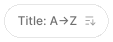
Sort
Sort by price, date, alphabetical order, or any custom CMS field you choose.
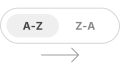
CMSSortToggle
Quick toggle controls for switching configured CMS fields between sort states.

Facets
Active filter chips with remove buttons. Let users see and clear applied filters.
CMSActiveFilterCount
Badge-style count showing how many filters, searches, or sorts are active.
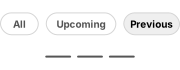
CMSDateRangeToggle
Date-aware filter toggle for all, upcoming, and previous CMS items.
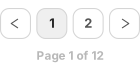
CMSPagination
Page controls for browsing filtered CMS collection results.
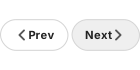
CMSPrevNext
Previous and next navigation controls for paginated CMS results.

Switch
Toggle filters on and off. Perfect for boolean fields like "Featured" or "In Stock".

Tri-state Switch
Track user interactions and filter usage to optimize your filtering experience.

Buttons
Custom styled filter buttons for categories. Display as pills, cards, or icon buttons.
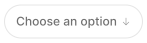
Dropdown
Single or multi-select dropdown with search. Perfect for long lists of filter options.

Checkbox
Single or multi-select checkbox groups with custom layouts.

Radio Button
Single-select radio button groups. Force users to choose exactly one filter option.

Range Slider
Dual-thumb slider for price or number ranges. Set minimum and maximum values.

Slot Components
Replace any filter UI with your own custom Framer components.Total design freedom.
Native filters vs a real filtering system
Native Dynamic Filters are the starting point. Here's what a full filtering system adds.
Native Dynamic Filters
- Basic field-to-variable binding
- Limited UI patterns
- No search or sort integration
- No facets, counts, or clear-all
- Single filter surface per page
- Good for simple cases only
Framer CMS Filter
- Multi-field search across title, tags, description
- 8+ filter types with advanced AND/OR logic
- Sort, facets, counts, and clear-all built in
- Synchronized filter groups across layouts
- Reference-aware (option, single, multi)
- Directory-grade CMS discovery UX
Framer CMS Filter Pricing
Join 1,100+ designers building advanced filtering into their Framer sites.
Personal
$99$79 / one-timePerfect for personal projects and portfolio sites.
Features included:
- 1 Site
- Commercial / client use
- 19+ filter components
- Remix demo projects (more coming)
- Lifetime updates
- Email support
Agency
$199$179 / one-timeFor agencies and freelancers building client sites.
Everything in Personal, plus:
- Unlimited Sites
- Commercial / client use
- 19+ filter components
- Remix demo projects (more coming)
- Quick Feature Requests
- Lifetime updates
- Priority support
One-time payment. Lifetime access. No subscriptions.
Quality Guarantee
Components not working? Support unresponsive? Not as described? We'll fix it or refund. View policy
Lifetime Updates
All updates included forever. Framer breaks something? We fix it in 24-48h.
Priority Email Support
Direct help from the creator. Average response: 24 hours.
Trusted by agencies and freelancers
1,100+ Framer professionals already using Framer CMS Filter to build serious CMS experiences.
"He really helped me out when I needed assistance adding it to my Framer project. Super fast customer support highly recommend!"
- Salman Abdulrazaq Ali
"We had tried a couple of other Framer CMS filter components but they were buggy, hard to use and support was slow or non-existent. CMSFilter is easier to use and has a lot of added functionality."
- Mark Williamson
"I got a CMS featuring setup from Shahul Hameed, and it works perfectly. He was super helpful, guided me through everything, and even stayed up late to make sure I had no issues. Great experience overall!"
- Amarachi
"CMS Masonry-Lightbox is a super flexible and polished CMS grid that makes any portfolio shine. I especially love the support for local videos and the great customer support behind it."
- Rick van der Wal
"He really helped me out when I needed assistance adding it to my Framer project. Super fast customer support highly recommend!"
- Salman Abdulrazaq Ali
"We had tried a couple of other Framer CMS filter components but they were buggy, hard to use and support was slow or non-existent. CMSFilter is easier to use and has a lot of added functionality."
- Mark Williamson
"I got a CMS featuring setup from Shahul Hameed, and it works perfectly. He was super helpful, guided me through everything, and even stayed up late to make sure I had no issues. Great experience overall!"
- Amarachi
"CMS Masonry-Lightbox is a super flexible and polished CMS grid that makes any portfolio shine. I especially love the support for local videos and the great customer support behind it."
- Rick van der Wal